 ×
×Installation guide
in Claude
Also works with Codex · Cursor · ChatGPT
Connect OpusCut MCP — teach your AI to cut in your style
OpusCut’s Model Context Protocol (MCP) server lets Claude, Cursor, ChatGPT and any MCP client drive OpusCut directly: turn a long video into viral vertical shorts, add subtitles to a whole video, teach OpusCut your editing style and re-cut in it, or have the AI plan a cut and hand it to OpusCut to “finish” — animated captions, motion graphics, background music and AI voiceover, exported ready to upload. All on your OpusCut account. Connect once, then just ask.
Get an OpusCut account
The MCP uses your normal OpusCut account, and every job spends credits — nothing runs anonymously. If you don’t have an account yet, sign up free at opuscut.app first (new accounts get starter credits). Then connect with the same login.
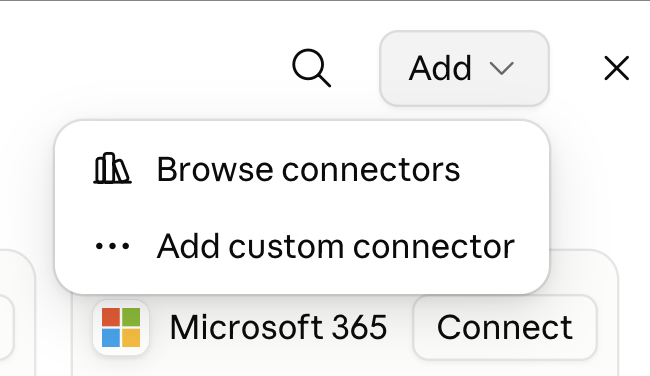
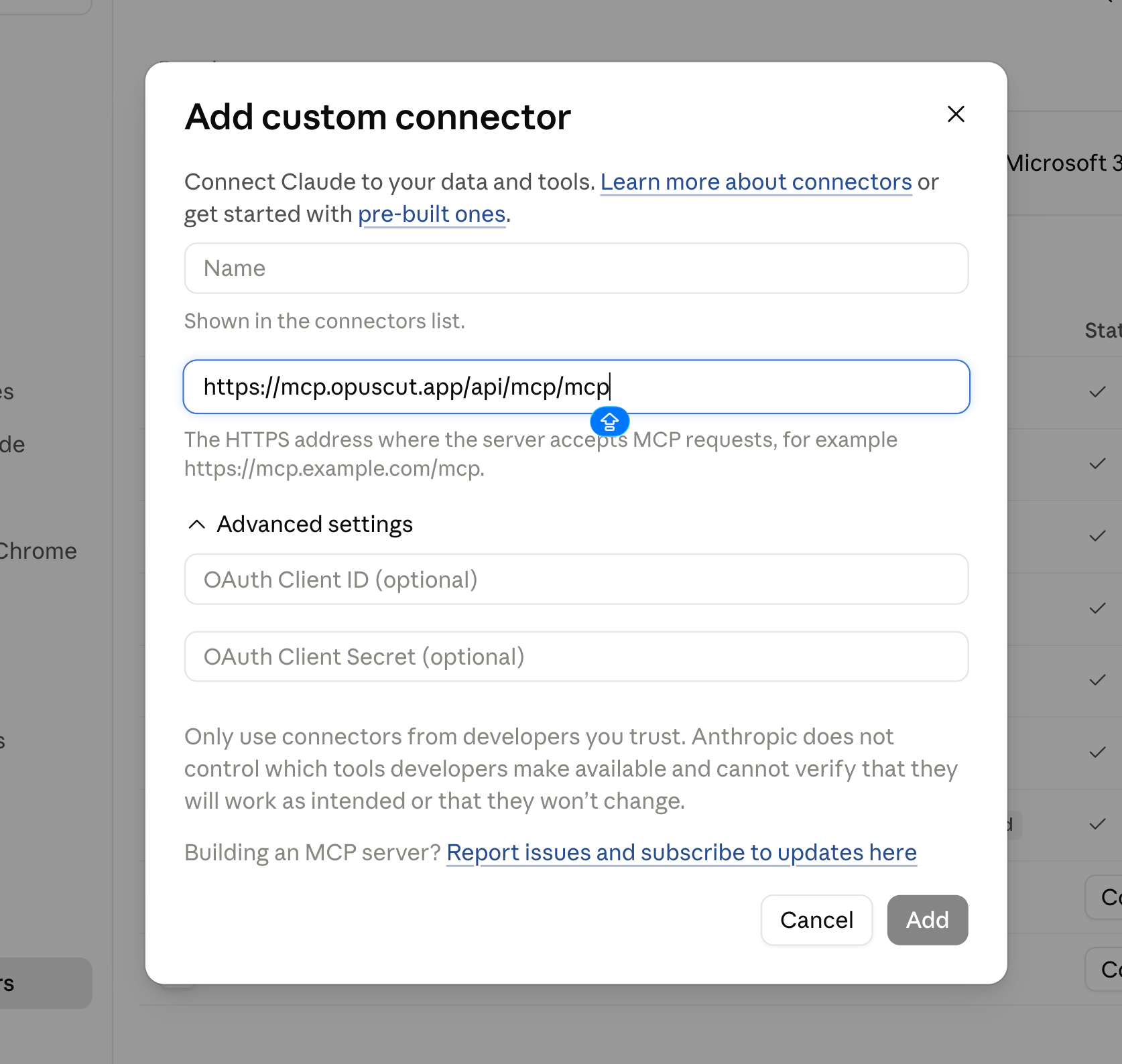
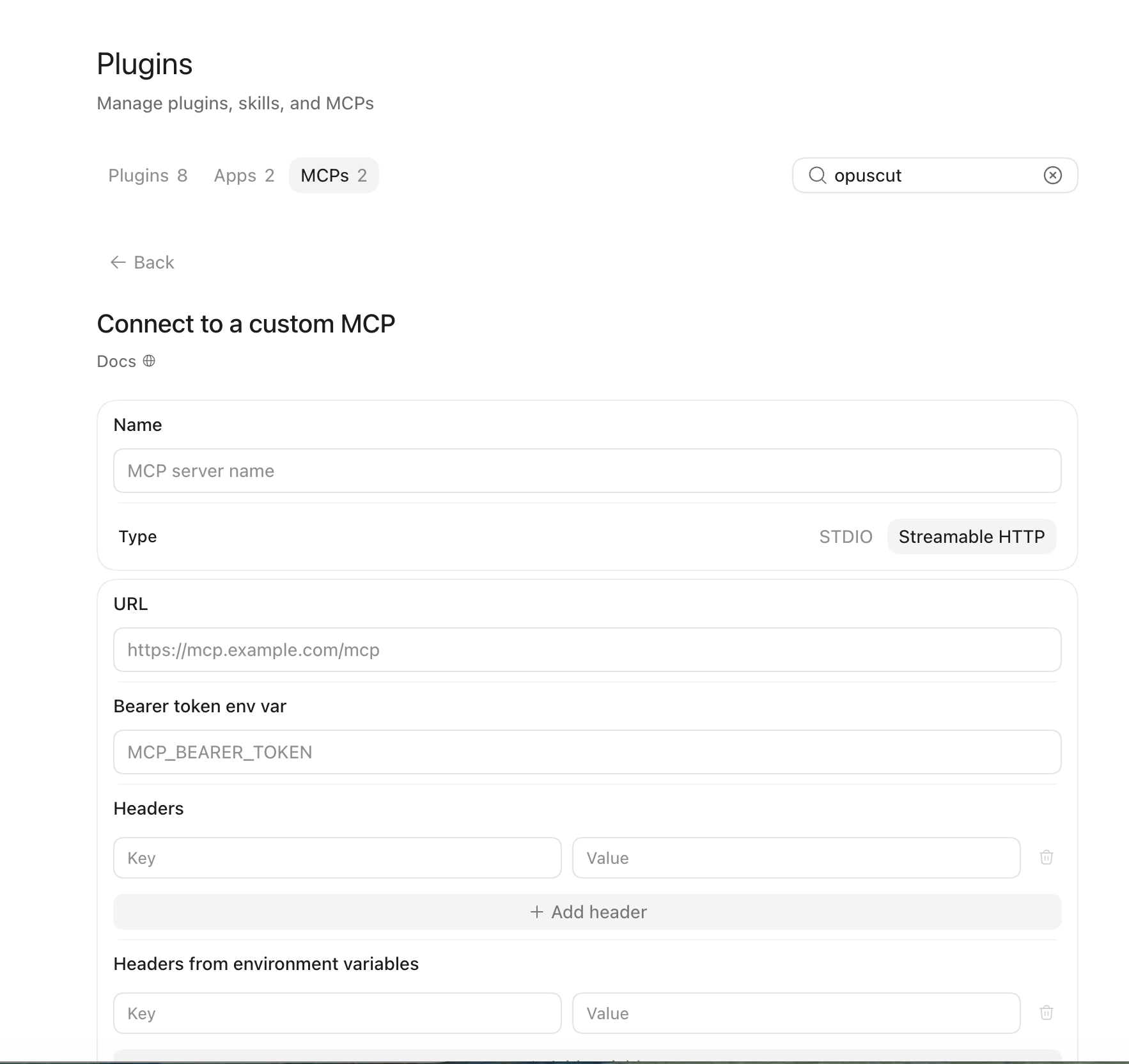
Connect the server in your AI app
One click: copies the URL and opens Claude's “Add custom connector” dialog — just paste.
Run in your terminal:
claude mcp add --transport http opuscut https://mcp.opuscut.app/api/mcp/mcpClick to add (Cursor must be installed), or: Settings → MCP → Add server (Streamable HTTP) → paste the URL
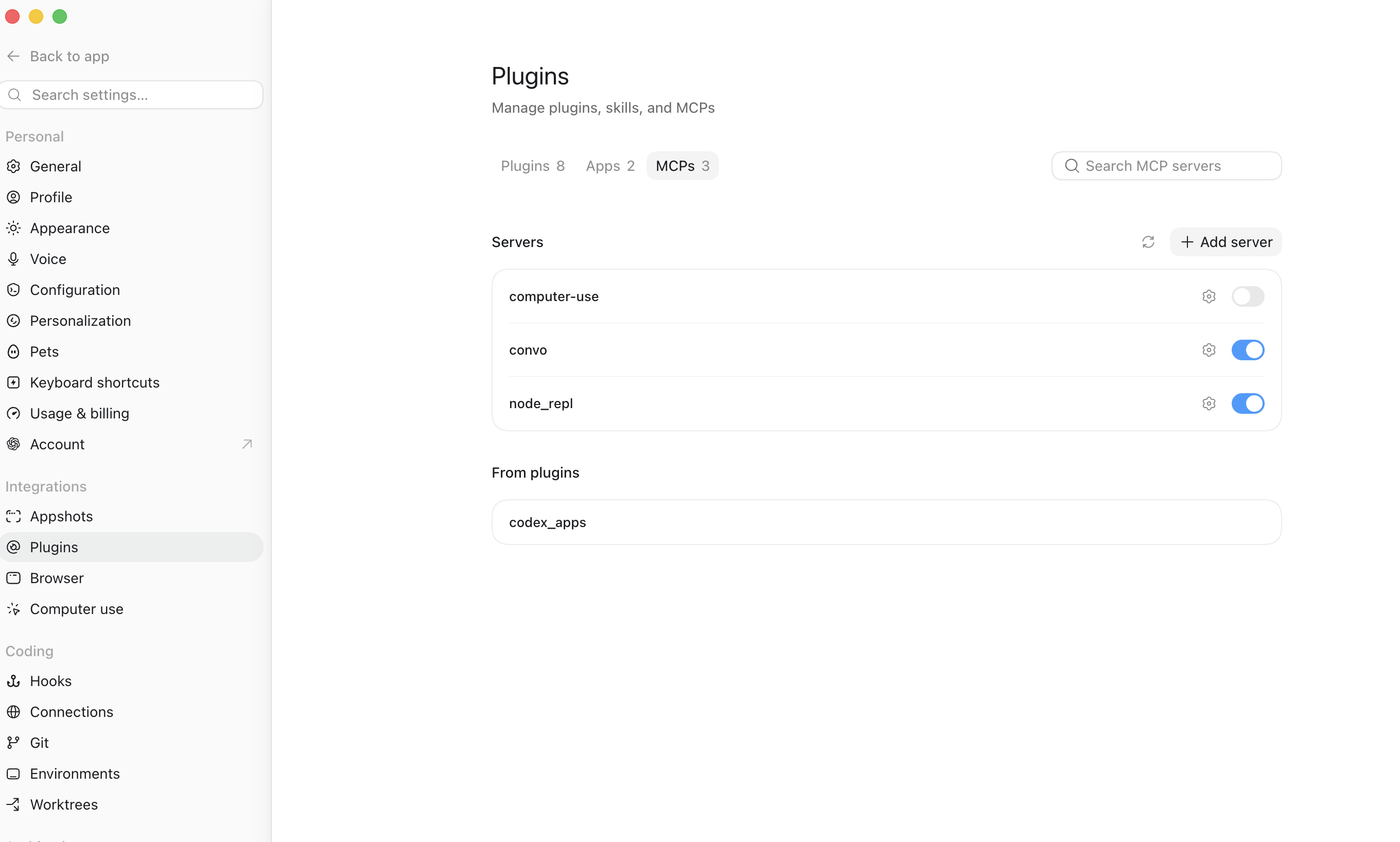
Add to CursorSettings → Connectors / MCP → Add server → paste the URL (needs a connector-capable plan)
The first tool call opens OpusCut sign-in + approval — approve once and you stay connected.
Sign in once
The first time your app uses a tool, a browser tab opens to the OpusCut sign-in, then a consent screen (“…wants to connect to your OpusCut account → Approve”). Approve it once — your app stays connected and your credits carry through. No API keys.
Create a video — just ask
Talk to your agent in plain language. You can specify the genre, caption language, and style — or let it ask you. Examples:
“Clip this podcast into shorts with English karaoke captions: https://youtube.com/watch?v=…”
- Agent creates the job and tells you the credits charged + settings used.
- It polls until the clips are ready, then lists them (title, hook, score).
- “Export clip 1 in 1080p” → you get a downloadable MP4 link.
“Add English subtitles to https://…”
The agent transcribes, burns captions, and returns a download URL for the full captioned MP4.
“How many OpusCut credits do I have?”
Options you can specify
- Genre: variety · podcast · gaming · vlog · tutorial · news · comedy
- Caption language: keep original · English · 中文 · bilingual · العربية
- Caption style: ktv_blue · opus_pop · impact_pop · comic_multi · karaoke · clean · focus_box
- Timeframe: only process part of the video (also lowers cost)
- Input is a URL (YouTube / Google Drive / direct link) — you can’t attach a local file.
- Credits are spent when a job is created (cost scales with length; YouTube costs more per minute than uploads). Exporting/downloading doesn’t re-charge. Pricing & top-up →
- Timing: a clip job runs a few minutes; each export renders in ~30–120s.
- Rate limit: up to 5 new jobs per minute per account.
- Downloads are time-limited links — grab them promptly.
The tools
| opuscut_get_account | read | Your credit balance + plan. |
| opuscut_create_clip_job | spends | URL → viral vertical clips with burned captions. |
| opuscut_get_clip_job | read | Poll a clip job; returns the ranked clips when done. |
| opuscut_export_clip | read | Download URL for one rendered clip. |
| opuscut_create_subtitle_job | spends | Burn captions on a whole video (optionally translated). |
| opuscut_get_subtitle_job | read | Poll a subtitle job; returns the captioned MP4 URL. |
| opuscut_get_frame_preview | read | Returns a still frame of the finished job as an image — visual QA before final export. |